2
instructors
Product Design · UX Research · 2026
ProblemInstructors must organize student drivers and manage stressed ones while teaching, watching traffic, and documenting the lesson — all at once, with no dedicated passenger-seat tool.
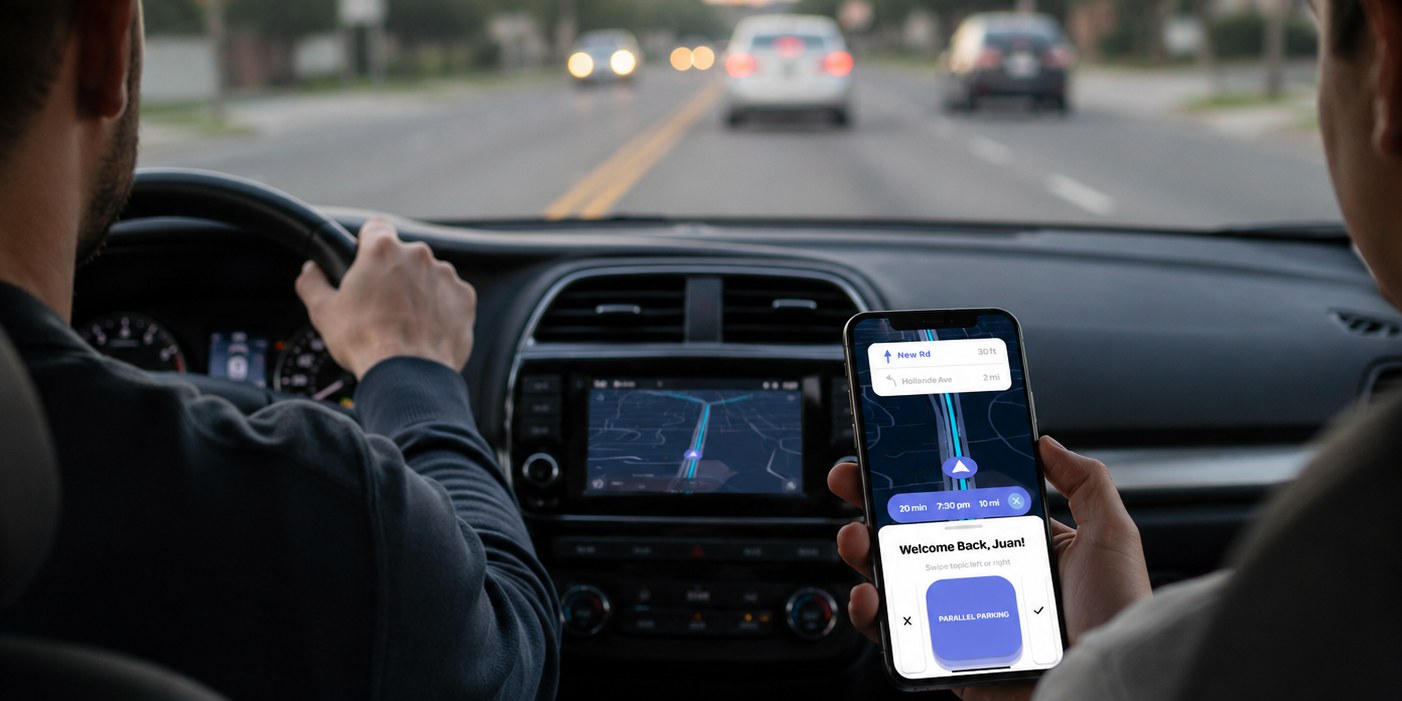
SolutionA guide for a guide: help instructors organize student drivers and manage stressed ones during live, on-the-road training — with less visual attention on the phone.
Role
Lead Product Designer / UI·UX
I led Course Correct as the product designer: ride-alongs in the passenger seat, the glance-first live view, swipe flags, and the parked-car write-up.
01 · The Problem
02 · User Research
2
instructors
1
student driver
I take students to an unfamiliar lot once they’re comfortable.
During sessions I take notes in my notebook.

Crystal Rowan
45 · instructor
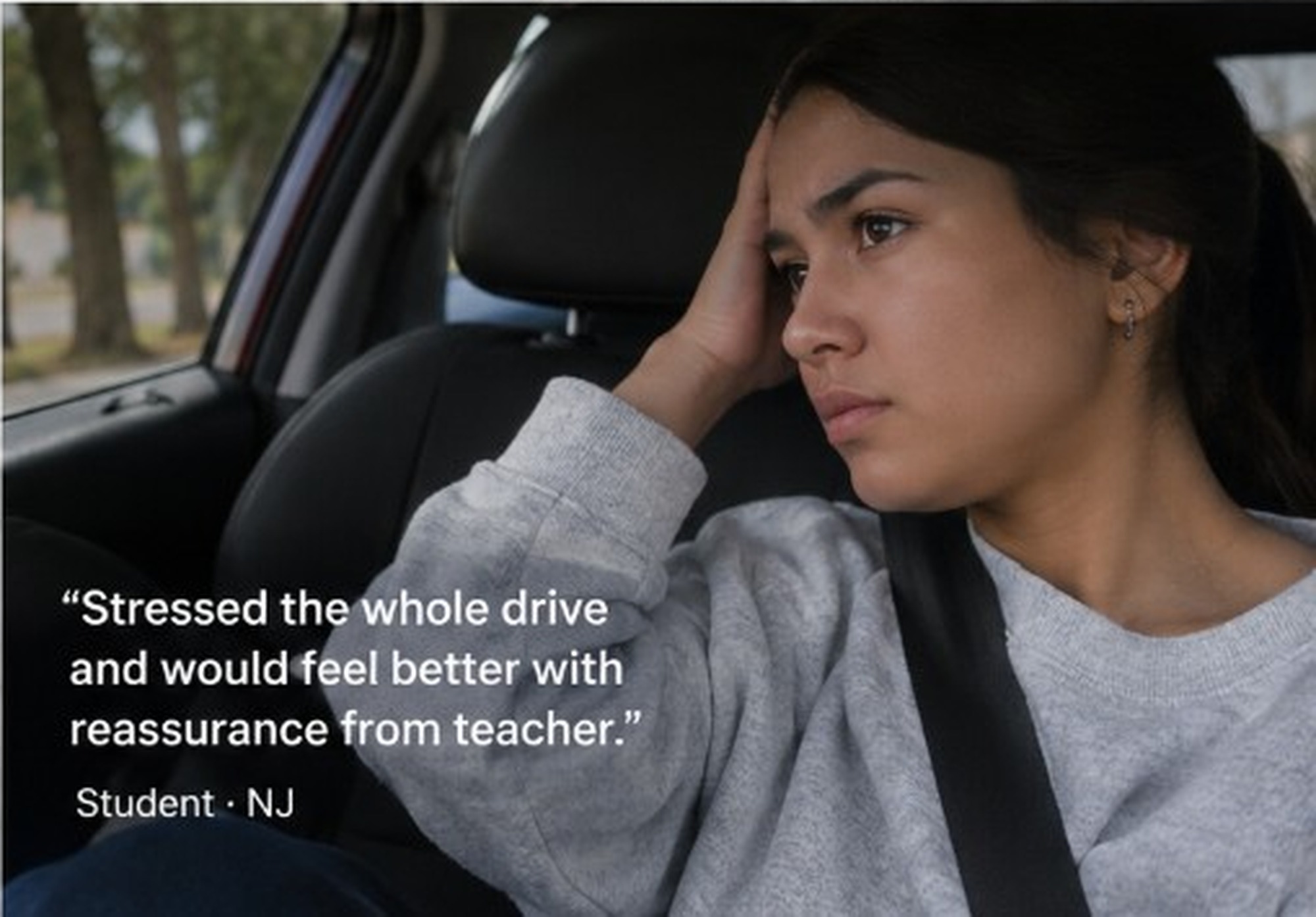
Nervous and distracted drivers.

Mike Tann
56 · instructor
Mixes up students after many lessons a week.
03 · Process
01
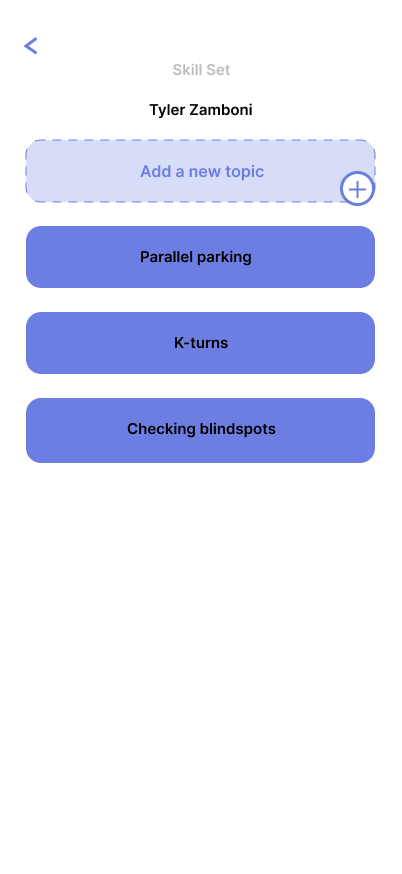
Organize student data
02
Find unfamiliar routes
03
Stay minimal on-road
Course Correct iterations
Open in FigmaThe live board is safer in Figma on a phone.
04 · Final Design
Swipe
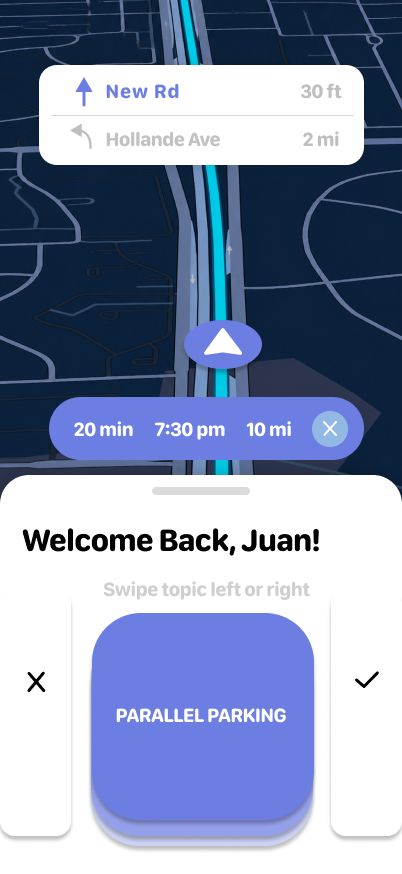
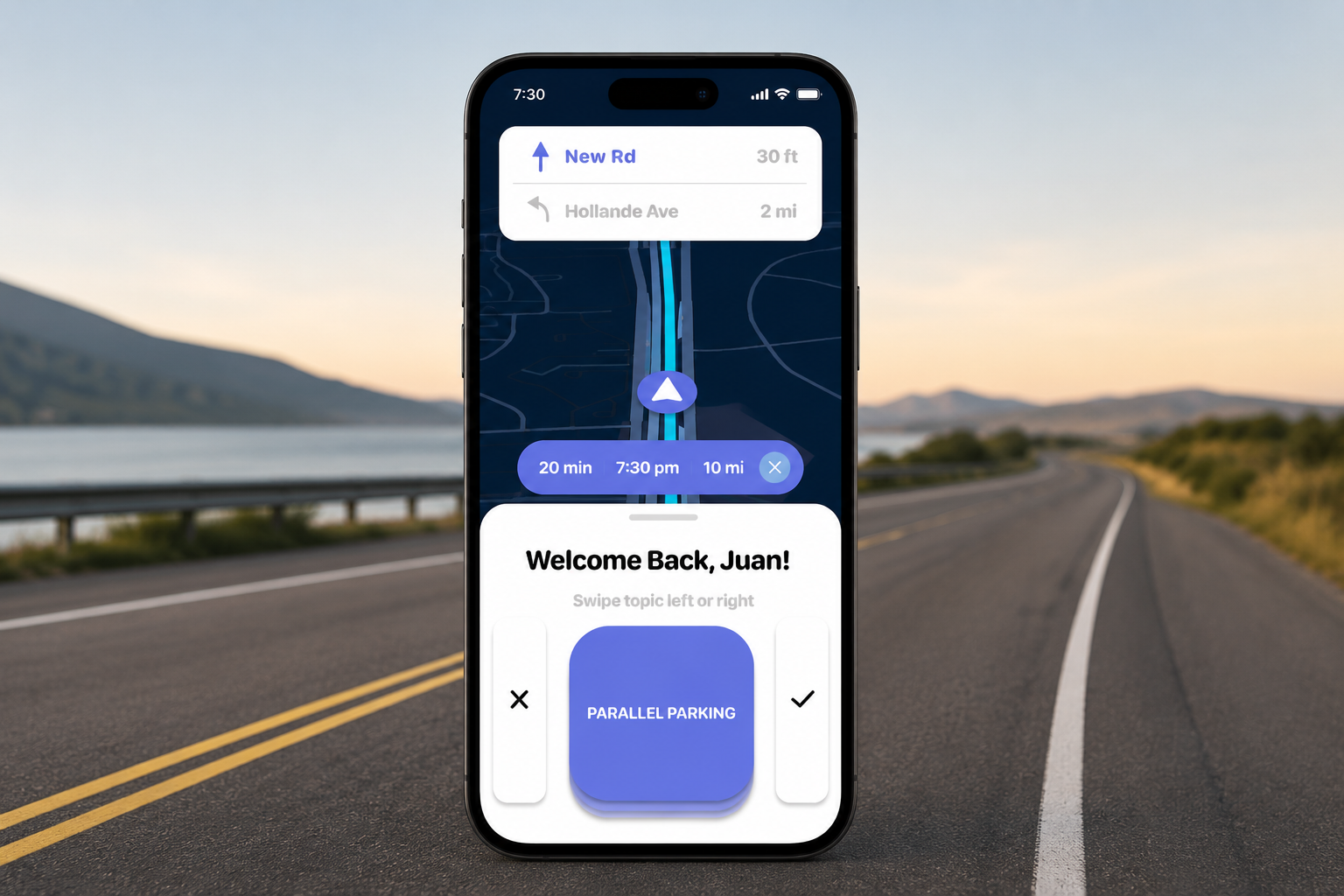
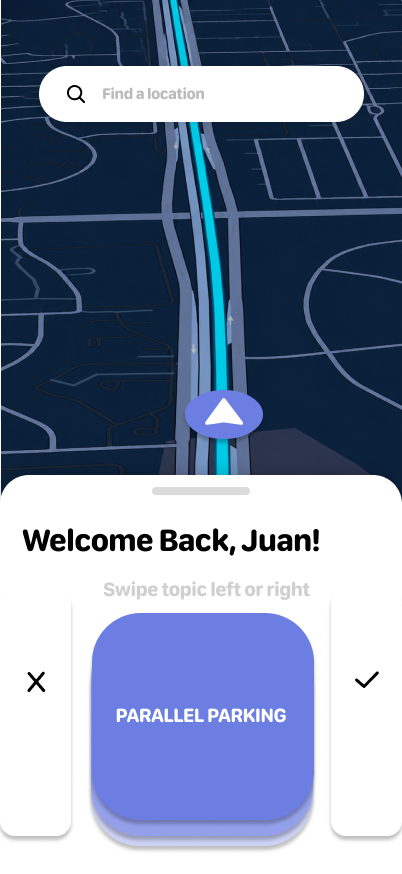
Flag Parallel Parking or K-Turns mid-drive — one glance, no notebook.
Scan notes
Keep writing on paper. Capture the page into the lesson when the car stops.
Working prototype — swipe mid-drive, scan notes when parked.
Swipe the phone to walk through the screens.
Home
05 · Outcome
layouts tested → glance-first won
BeforeNotebook mid-drive.
AfterSwipe. Write-up waits.