Mobile App  ·  Product Design  ·  2026

drive well with
course correct

A driving lesson support app built for instructors during live, on-the-road training sessions.

Role
Lead Product Designer
UI/UX Designer, App Developer
Team
Individual
Duration
Ongoing
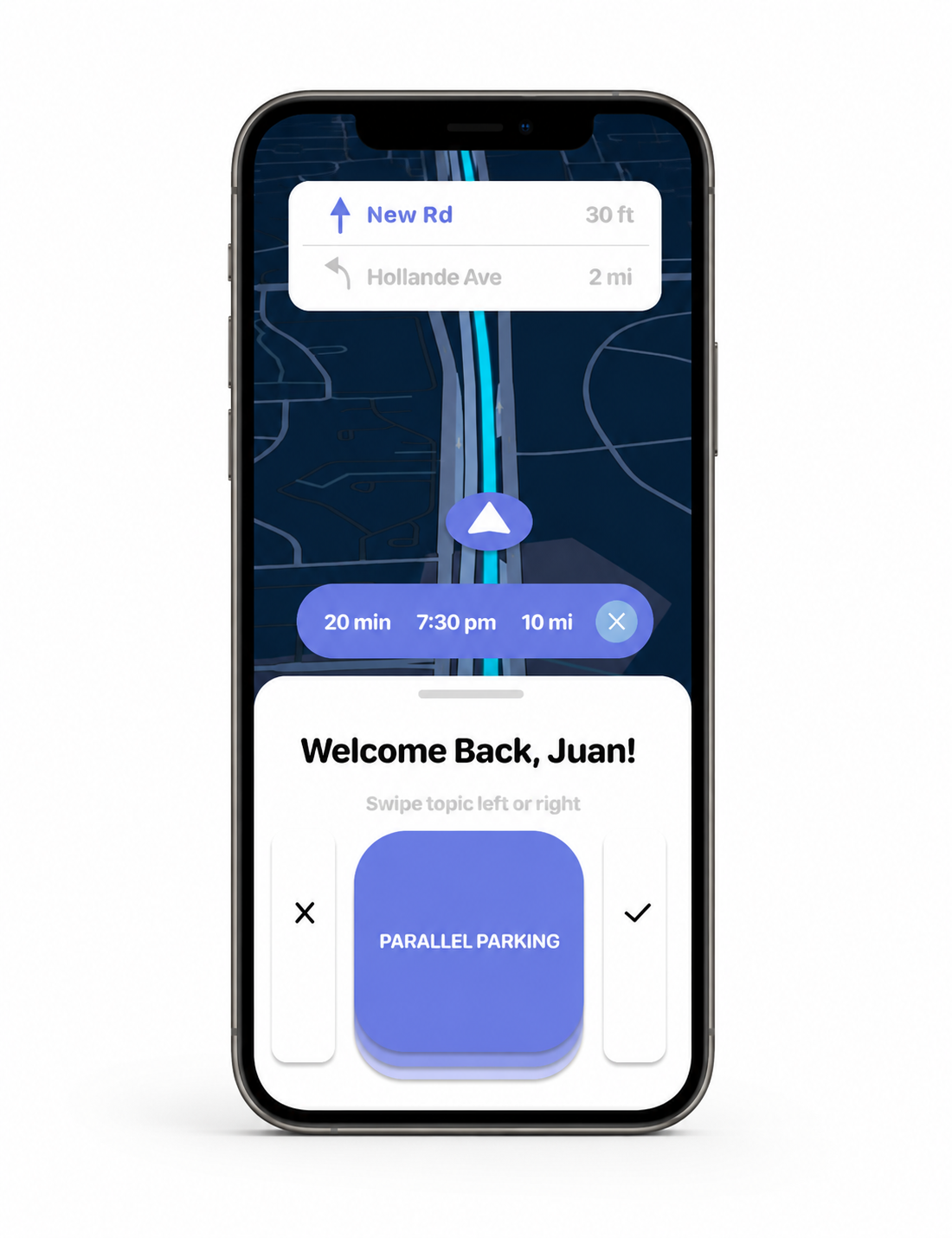
Course Correct app on device

01  ·  The Problem

Teaching driving is
high-stakes multitasking.

Driving instructors are expected to monitor student behavior, navigate live road conditions, provide real-time feedback, and track lesson progress — all simultaneously, with no dedicated tools to help.

Student Driver
Lessons progress through three stages: learning safe driving fundamentals, practicing turns on local roads, and advancing to highway driving — each with distinct skill demands.
Driving Instructor
"Once a student feels comfortable with roads and skills, I take them to an unfamiliar lot so they can carry that skill no matter the environment."
Industry Research
"Driving instructor stress is a real and common challenge. Balancing student safety, managing expectations, and adapting to live road conditions requires a high level of patience and skill."

02  ·  User Research

Stress lives in
the in-between moments.

Method
Contextual interviews and ride-along observation of live driving lessons
Participants
2 licensed driving instructors, 1 student driver
Focus Question
What mental and logistical burdens do instructors carry during a live lesson and where do current tools fail them?
Synthesis
Pain point clustering → instructor journey map → opportunity framing by lesson phase

"I watch the road, watch their hands, remember what we covered last session."

Instructor, 6 years experience  ·  independent

"During my sessions I takes notes in my notebook"

Instructor, 11 years experience  ·  independent

“Stressed the whole drive and would feel better with reassurance from teacher"

Student  ·  NJ

Finding 01
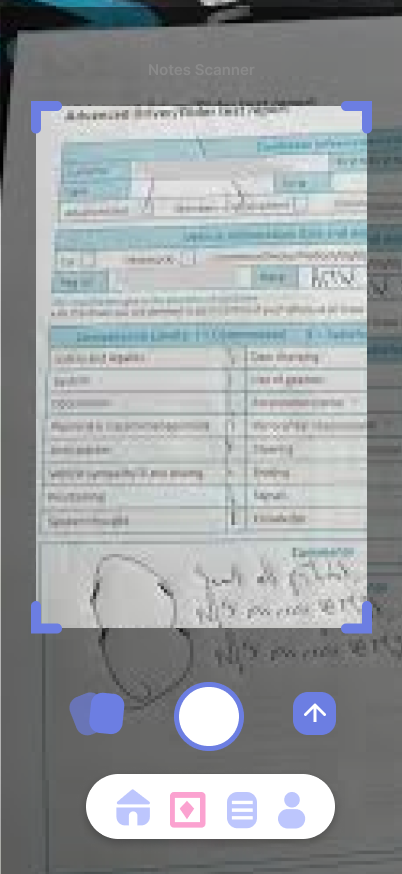
Instructors continue to handwrite notes. Instructors log feedback during and after the lesson.
Finding 02
Driving instructor lose track of progress for each student over time, and have difficulty maintaining the skillset for each one
Design Opportunity
A non-distracting, voice-first logging tool that captures feedback in the moment and organizes it automatically per student built with a smart navigational interface.
Design Principle
Eyes stay on the road. Every interaction should require minimal attention.

03  ·  The Concept

Log every moment.
Review everything after.

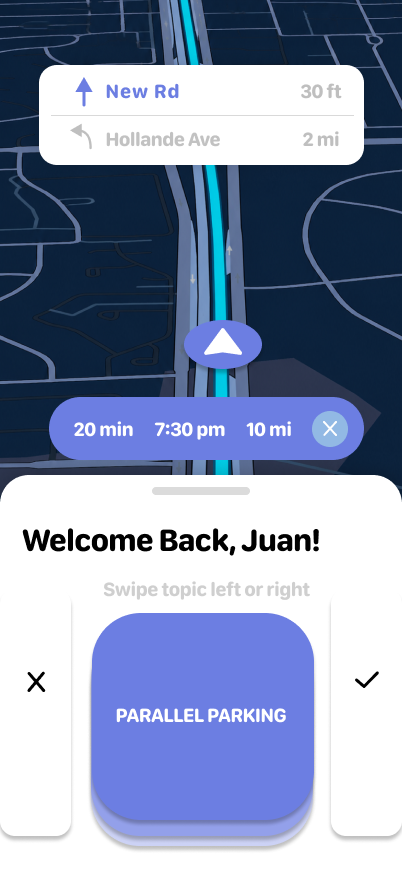
A navigational main screen and voice-logging system that lets instructors guide students on roads that will aid with the student's flaws. In additoin, a quick way to flag issues in real time using a swipe left and swip right mechanism..

Voice Logging Navigation Swipe Flags Session Reports Student Profiles Scanning Notes Flag Creation

04  ·  Core Features

Built for the
passenger seat.

Navigation
Smart Path
Instructor can voice/type paths that's student specfic(e.g. "closest grocery store with the most stop signs")
Swipe-to-Flag
Swipe Left/Right
Instant issue flagging across customized number of categories
Voice Notes to Text
Hands-free
Timestamped audio clipped to the lesson timeline
Auto Report
Post-session
Structured summary generated at end of every lesson
Student Profiles
Persistent
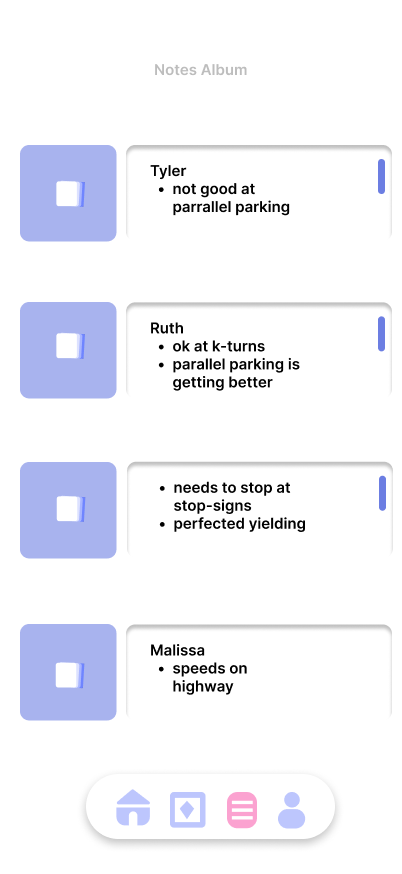
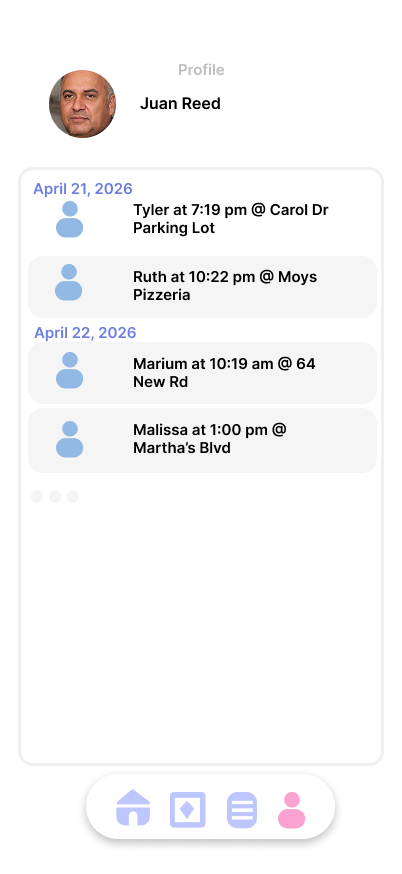
Full history of skills, flags, and progress across all sessions
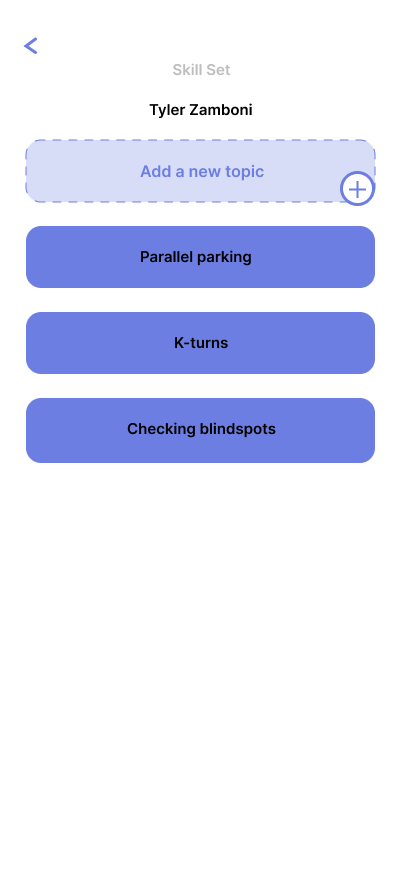
Flag Creation
1 tap
Easily create and manage flags before the lesson

05  ·  Process

Iteration.
Intention.

The interface went through significant iteration — from an information-dense dashboard that demanded too much attention, to a stripped-back, glance-first layout that keeps the instructor focused on the road.

v1
Full Dashboard

Detailed stats and controls on a single screen. Instructors found it overwhelming mid-lesson; too much information competing for attention while watching the road.

v2
Tabbed Layout

Separated live logging from student history. Reduced cognitive load per screen, but switching tabs mid-lesson still pulled focus; Navigation needed to feel more automatic.

v3
Glance-First Design

Reduced the live view to only what matters in the moment: map, large swipe targets, and one active flag. Everything else surfaces before/after the session.

06  ·  Final Design

The app,
screen by screen.

A fully realized mobile app — live session logging on the road, and full student histories. One tool for the entire lesson lifecycle.
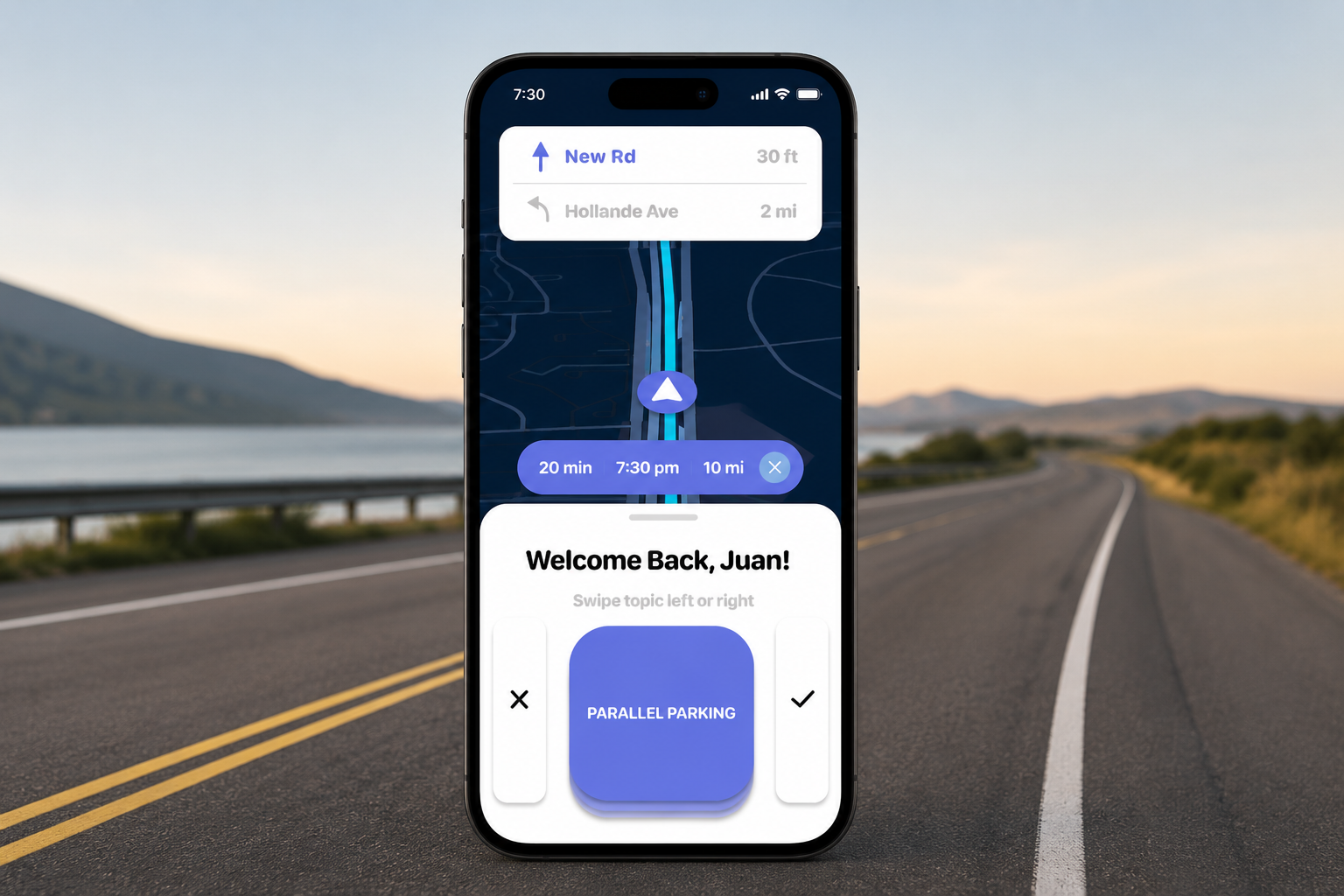
Course Correct app — hero shot
Mobile App

Live session dashboard — swipe-to-flag, voice-to-text notes, auto-generated summary reports
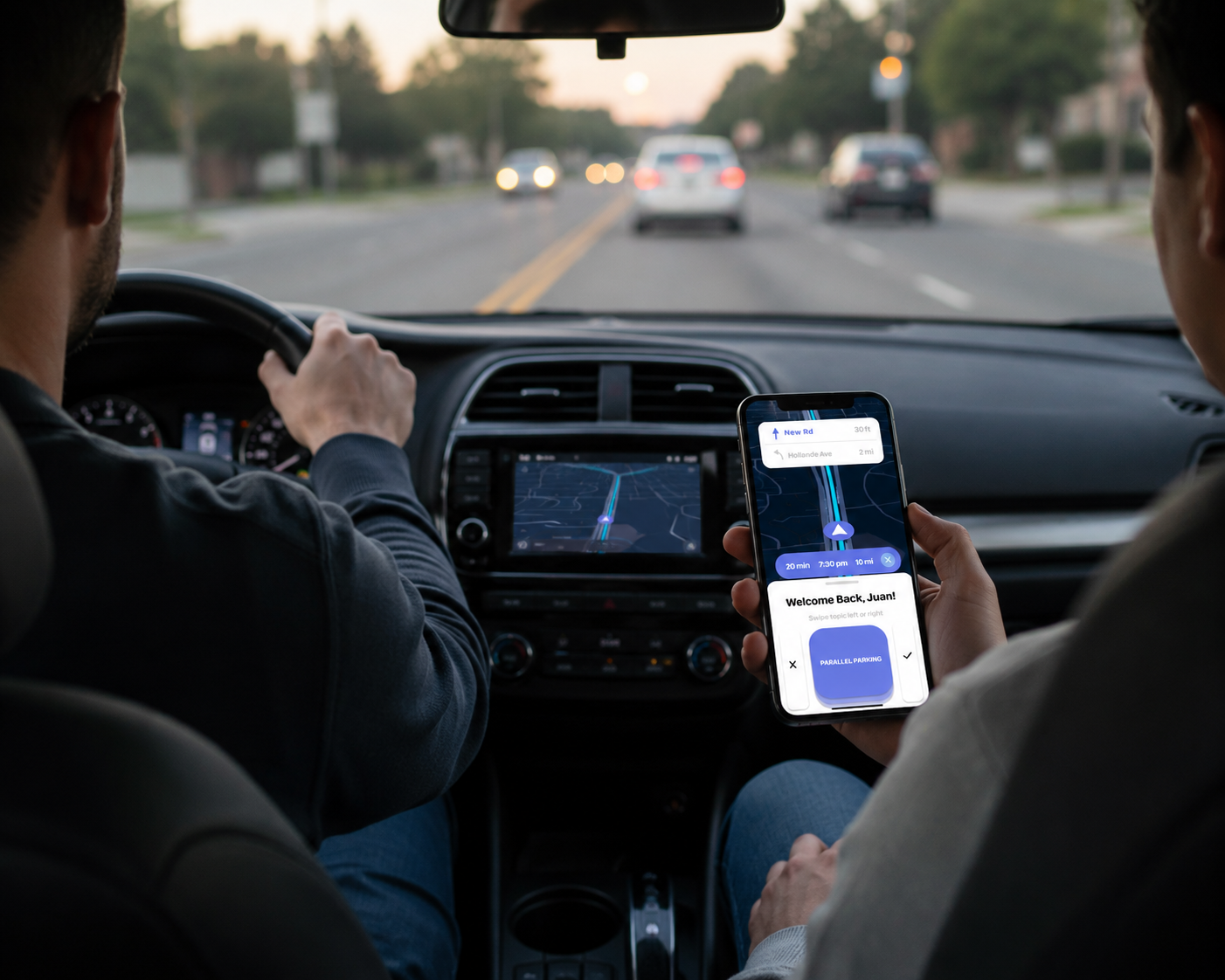
Live session view
Live session view
Flag & note system
Flag & note system
Session report
Session report
App Screens

A calm, high-contrast UI designed to minimize distraction — fast to read, fast to interact with, and structured to surface the right information at the right phase of the lesson.
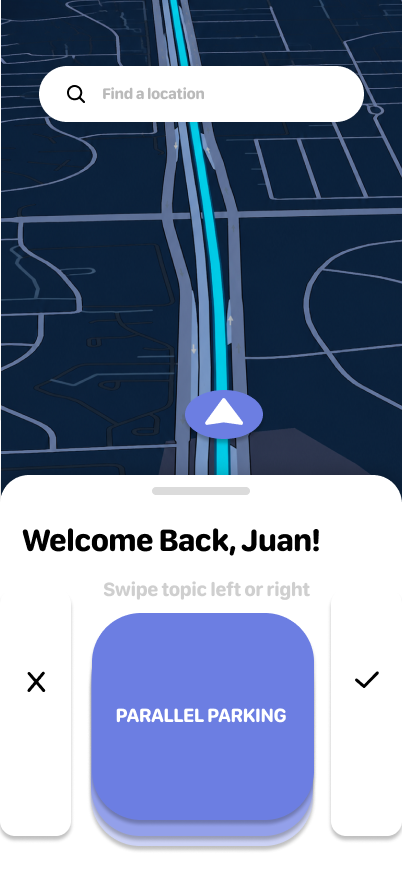
Home
Home
Start Session
Start Session
Driver Profile
Driver Profile
Student Flag List
Student Flag List
Scan Written Notes
Scan Written Notes
Student Reports
Student Reports Archive